Create your account and add your properties
Add each of your properties with photos, custom checklists, supply standards, and operational rules. Takes about 5 minutes per property.
Connect your reservations
Link your Airbnb, VRBO, calendar feeds, or property management system. Keepers reads your reservation calendar and builds operations workflows with ample lead time before every check-in.
Choose your service model
Use your existing providers and vendors (Your Operations Team) or open jobs to the Keepers provider marketplace. You can mix both based on property or job type.
Reservations drive operations automatically
When a guest checks out, Keepers creates the right jobs - cleaning, maintenance checks, inventory restocking - and routes them to the right providers.
Providers complete the work
Cleaners and vendors follow structured room-by-room checklists, submit completion photos, and flag any issues - all inside the Keepers mobile app.
Issues route to the right provider
A broken dishwasher? Leaking faucet? Maintenance issues flagged in the field automatically route to the appropriate vendor for resolution.
You confirm guest-ready from the dashboard
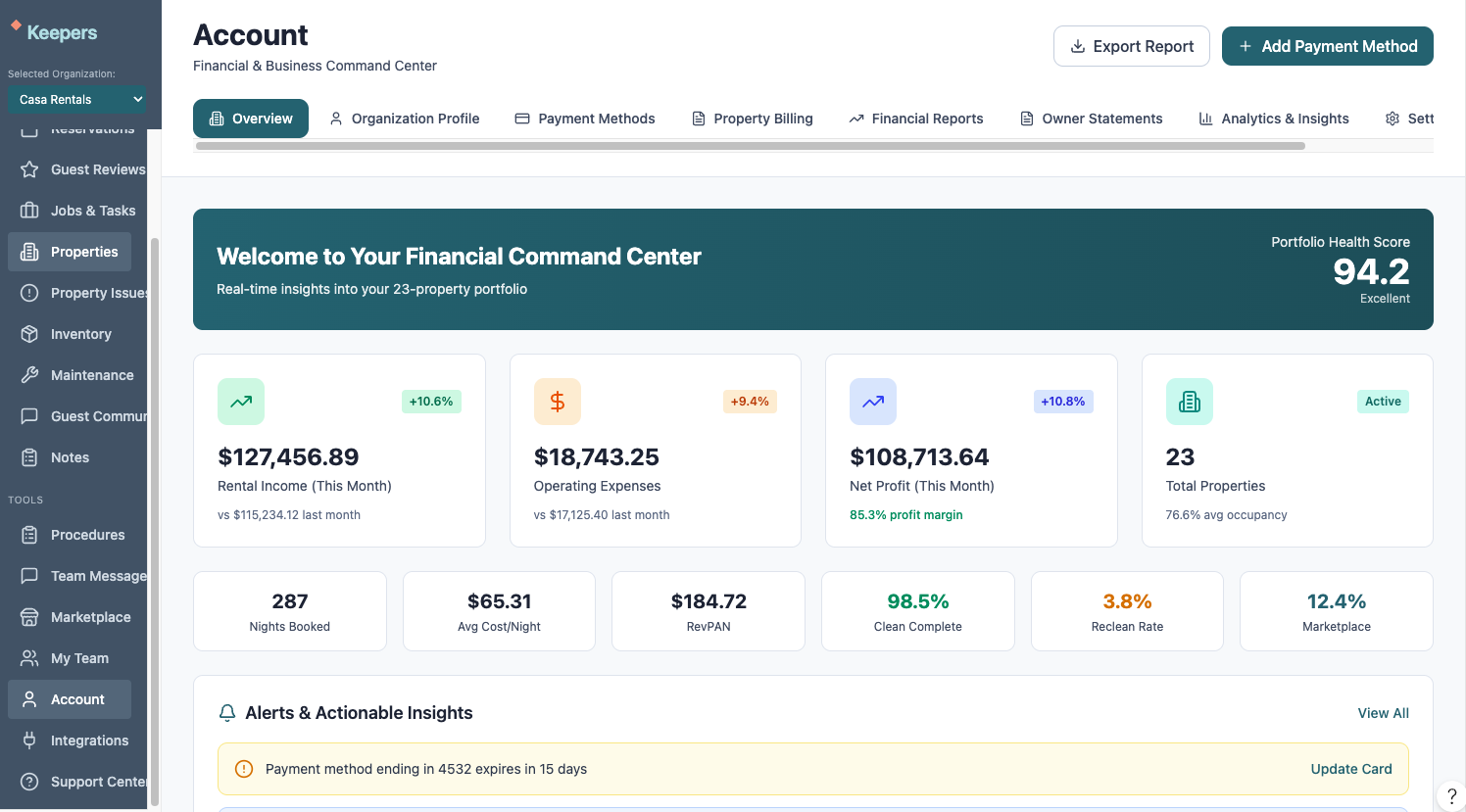
Review completion photos, check job status, and confirm each property is guest-ready - all from one dashboard, before the next guest arrives.